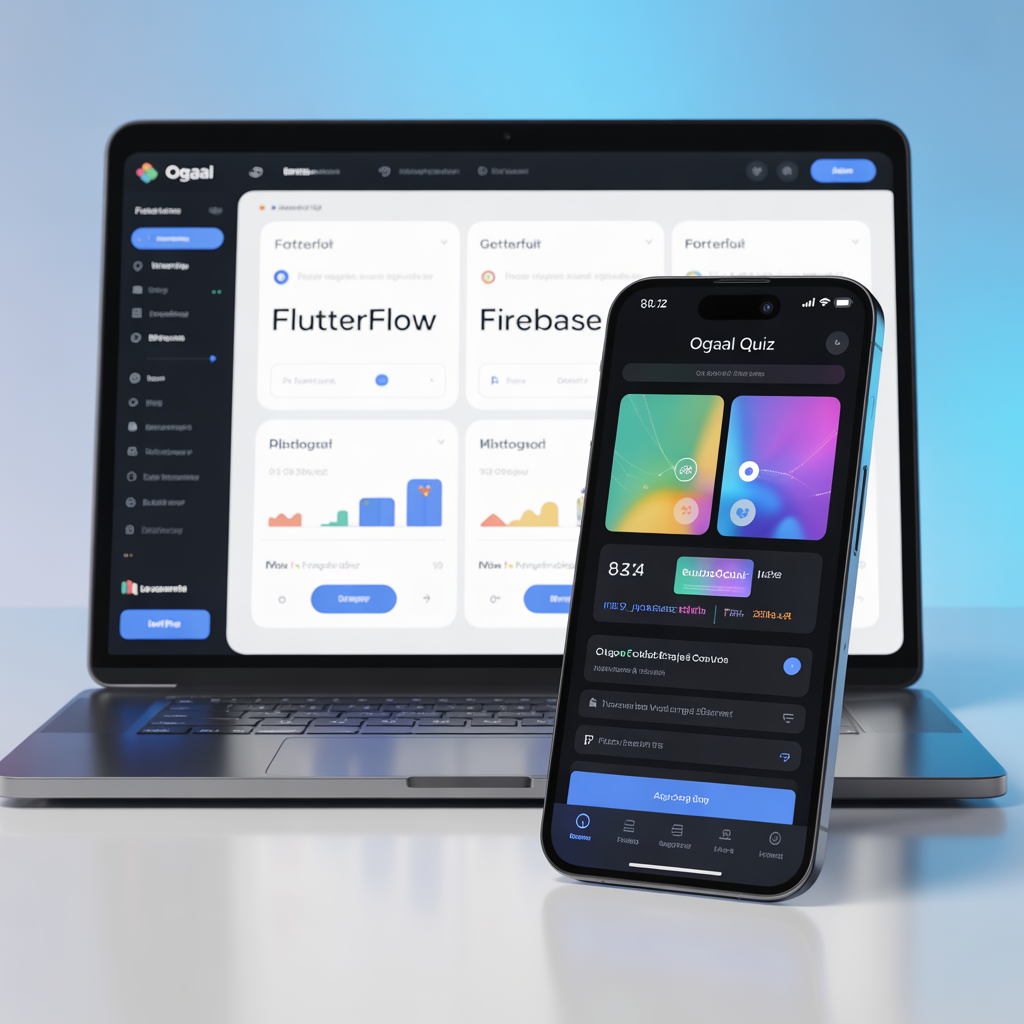
In 2026, a mobile application that doesn’t talk to the outside world is just a static tool. The real magic happens when your app interacts with live data—weather updates, currency rates, or your own custom databases. At Bilanly, we specialize in utilizing FlutterFlow to bridge the gap between simple design and complex functionality through API Integration.
This guide is designed for developers who want to move beyond basic layouts and start building data-driven applications that provide real value to users.
1. What are APIs and Why Do They Matter in 2026?
An API (Application Programming Interface) is the messenger that takes a request from your FlutterFlow app to a server and brings back the response. Whether you are integrating EVC Plus payment notifications or fetching the latest quiz questions for Ogaal Quiz, APIs are the backbone of your app’s intelligence.
2. Setting Up Your First API Call in FlutterFlow
The beauty of FlutterFlow is that you don’t need to write complex http requests in Dart.
Define the Endpoint: This is the URL of the service you want to talk to.
Method Type: Are you getting data (GET) or sending data (POST)?
JSON Paths: Once the data comes back, you need to tell FlutterFlow which part of the data you want to display (e.g., the “Price” or “Username”).
3. Handling Dynamic Data for Somali Markets
For apps targeting the Somali market, APIs are essential for real-time services.
Currency Conversion: Integrating a live API that tracks the exchange rate between the Somali Shilling and USD.
Payment Gateways: Using APIs to verify transactions, ensuring that when a user pays for a premium feature, the app unlocks it instantly.
4. Authentication and Headers
Security is paramount. In 2026, most APIs require Bearer Tokens or API Keys. We will walk through how to securely store these keys in FlutterFlow’s “Private API” settings to ensure that hackers cannot steal your credentials.
5. Troubleshooting: What to Do When the Data Doesn’t Show
Every developer faces the dreaded “Null” error. We explore how to use FlutterFlow’s API Test Tool to debug responses in real-time, ensuring that your app never crashes when a server is down.
Conclusion: Elevating Your Developer Status
Mastering APIs is what separates a beginner from a professional engineer. By understanding how to fetch and send data, you unlock the ability to build almost anything—from social networks to advanced financial tools.