The video production landscape has officially crossed the point of no return. As we move deeper into 2026, the era of spending thousands of dollars on expensive camera setups, complicated lighting, and hours of tedious manual editing is rapidly becoming a thing of the past. Today, generative artificial intelligence is no longer just a novelty tool for making low-resolution clips; it has evolved into a full-scale, production-ready powerhouse capable of creating cinema-quality 4K footage from a simple text or image prompt.
Whether you are a professional content creator, a small business owner, or a SaaS affiliate marketer, leveraging AI video is no longer optional—it is a necessity to stay competitive. However, with the market flooded with hundreds of tools, finding the ones that actually deliver usable, high-quality, and cost-effective output is incredibly difficult.
Here at Bilanly, we’ve done the heavy lifting for you. We’ve spent weeks testing the absolute best engines on the market to evaluate their physics, prompt adherence, motion consistency, and value.
Here is our definitive list of the Top 5 AI Video Creation Tools in 2026 that you should start using today to scale your brand and content workflow.
1. Google Veo 3.1: The King of Cinematic Realism and Native Audio
Google DeepMind has completely shaken up the AI creative space with the release of Veo 3.1. It currently sits at the absolute peak of cinematic rendering. For creators who prioritize cinematic quality and photorealism over raw editing speed, Veo 3.1 is the undisputed gold standard in 2026.
What sets Veo 3.1 apart is its ability to generate true 4K resolution (3840×2160) at up to 60 frames per second with incredibly stable physics. Unlike older models that suffer from morphing faces and glitchy backgrounds, Veo 3.1 maintains stable details even during complex camera pans.
More importantly, it features native synchronized audio. This means when you prompt Veo to generate a scene, it doesn’t just output silent video; it generates synchronized ambient sounds, dialogue, and sound effects in a single pass.
Key Features We Tested:
True 4K Resolution: Unmatched detail and visual fidelity.
Native Audio Synchronization: Ambient soundscapes, dialogue, and music generated instantly.
Exceptional Prompt Adherence: Understands complex camera directions and nuanced descriptors.
Ideal For:
High-quality commercial ads, premium marketing campaigns, and independent filmmakers who want to produce cinematic B-roll without a Hollywood budget.
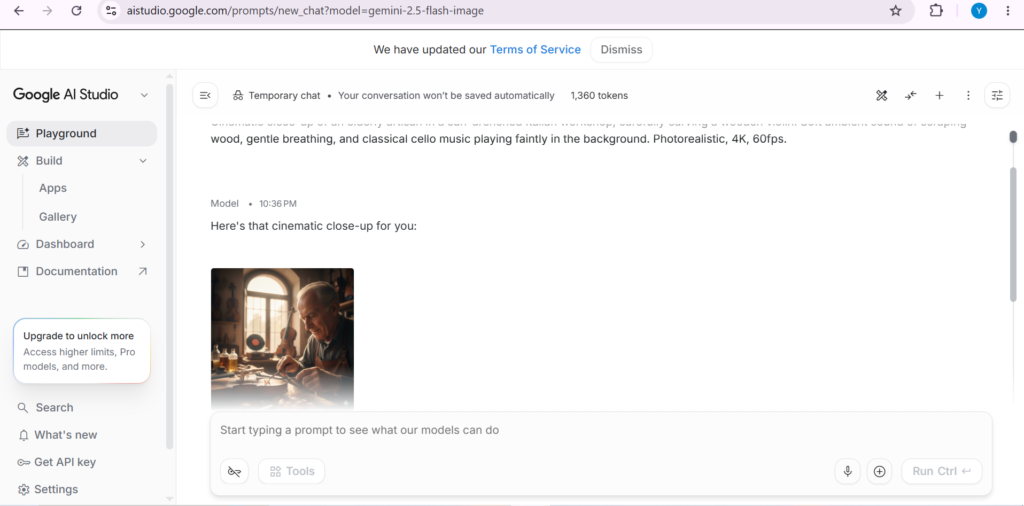
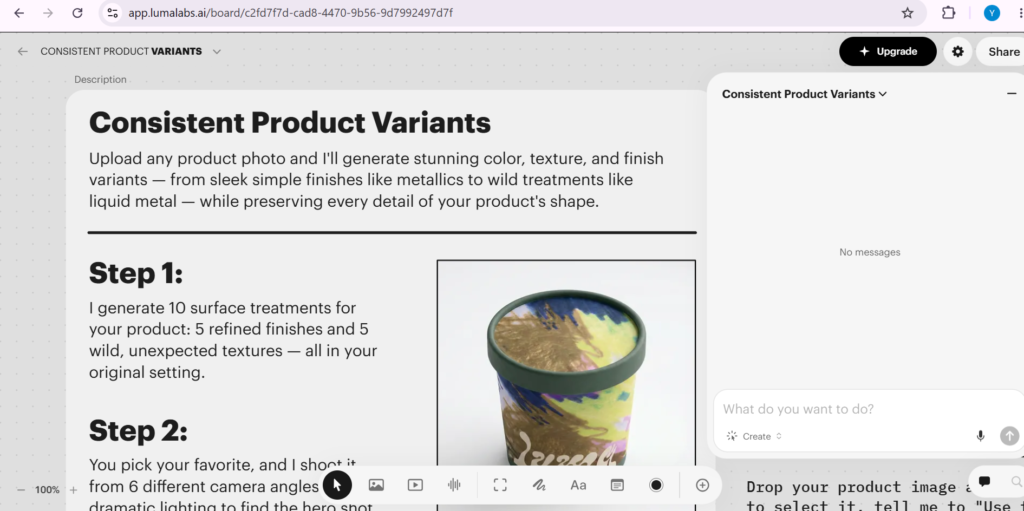
Caption: A look at Google Veo’s rendering engine inside our dashboard testing workspace.
2. Runway Gen-4.5: The Professional Standard for Granular Creative Control
If you ask any professional video editor which AI tool is actually integrated into their daily work, they will likely answer Runway. While Google Veo wins on raw cinematic output, Runway Gen-4.5 wins on production rhythm, control, and usability.
Runway has built an entire creative suite around its video models. Rather than just relying on text-to-video, Runway offers some of the best image-to-video capabilities in the industry, allowing you to start with a highly controlled static image and animate it precisely.
Their signature Multi-Motion Brush allows you to select specific parts of an image (like a flowing river, a waving hand, or drifting smoke) and apply directional movement only to those areas. Combined with advanced camera controls (pan, tilt, zoom, and roll), Gen-4.5 feels like a real digital camera in virtual space.
Key Features We Tested:
Advanced Camera Controls: Allows editors to direct the camera path with physical precision.
Multi-Motion Brush: Pinpoint animation controls on up to five separate moving elements.
Predictable Unlimited Model: Their unlimited monthly plan at $95 remains the best value for high-volume creator studios.
Ideal For:
Digital marketing agencies, professional editors, and creators who need direct control over how characters and objects move within a scene.
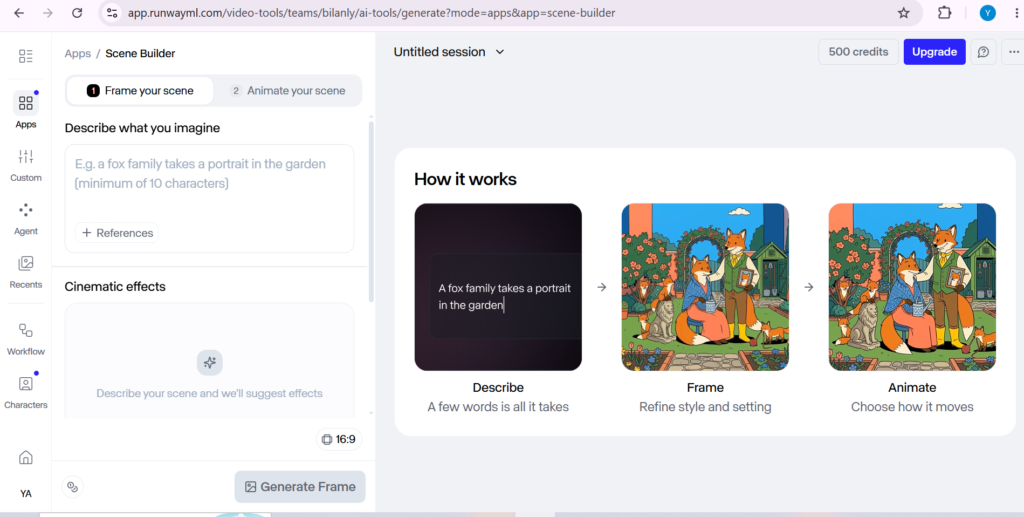
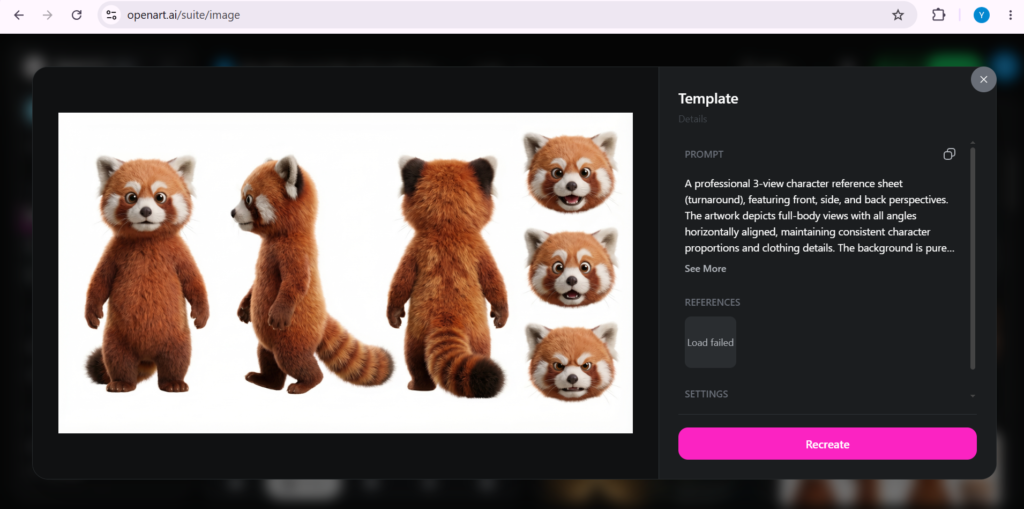
Caption: An image-to-video animation project using Runway’s advanced motion brushes on Bilanly.
3. Kling 3.0: Unmatched Value and Multi-Shot Consistency
For social media managers and high-volume content creators, budget is everything. Generating hundreds of drafts to find the perfect hook can quickly drain your wallet. That is where Kling 3.0 steps in as the value champion of 2026.
Developed as a highly optimized, high-fidelity alternative, Kling 3.0 offers a spectacular balance of cost and quality. Sitting at around $0.10 to $0.20 per generated second, it is significantly cheaper than Sora 2 or Veo 3.1, yet it delivers 1080p outputs that look incredibly realistic.
Where Kling 3.0 truly shines is in its multi-shot consistency. You can generate a scene, lock the character’s facial features and clothing, and generate subsequent shots in different environments while keeping the character perfectly recognizable. This makes episodic storytelling and commercial series actually doable without cartoonish drift.
Key Features We Tested:
Multi-Shot Character Lock: Keeps characters visually consistent across different prompts and angles.
High-Speed Rendering: Optimized inference engines that generate drafts in under 90 seconds.
Budget-Friendly Scale: The lowest cost-per-second model without compromising S-tier output quality.
Ideal For:
TikTok, YouTube Shorts, Instagram Reels, and episodic AI storytelling where volume and cost-effectiveness are crucial.
4. Luma Ray 3: The Physics King for Natural and Stylized Motion
Sometimes, you don’t want rigid production controls; you want a tool that understands how the world naturally moves. Luma Ray 3 (the latest iteration of their Dream Machine) has established itself as the master of organic physics and stylized camera dynamics.
If you generate a scene of a liquid splashing, a dress blowing in a complex wind, or an object shattering, Luma Ray 3 handles the collision and physics with shocking realism. It excels at creating atmosphere, mood, and emotional weight, making it a favorite for music video directors and stylized visual artists.
It handles image-to-video transformations exceptionally well, preserving the exact lighting and aesthetic of the source image while introducing smooth, continuous camera movements that feel organic rather than robotic.
Key Features We Tested:
Organic Physics Engine: Realistic handling of fluids, explosions, hair movement, and clothing.
Cinematic Camera Moves: Smooth, sweeping camera angles that simulate high-end crane and drone shots.
Stunning Stylized Rendering: Perfect for dreamy, artistic, and abstract content styles.
Ideal For:
Music videos, artistic storytelling, cinematic transitions, and high-impact visual hooks for lifestyle brands.
5. OpenAI Sora 2 Pro: The Gold Standard for Long-Form Narrative and Scene Complexity
We cannot write an AI video guide without mentioning Sora 2 Pro. While OpenAI’s limited rollouts and high cost (running around $0.30 to $0.50 per second on API hubs) make it less accessible for daily social media templates, its technical capability remains jaw-dropping.
Sora 2 Pro’s greatest strength is its deep physical simulation. It doesn’t just predict pixels; it builds a 3D understanding of the scene. If a character walks behind a wall, Sora remembers they exist and brings them back into view naturally.
It can generate continuous clips up to 25 seconds (and up to 60 seconds on standard modes) with synchronized dialogue, making it incredibly powerful for full scene storytelling where pacing matters.
Key Features We Tested:
Deep Physical Simulation: Understands cause-and-effect relationships within a scene.
Long Continuous Shots: Generates much longer, unbroken clips with logical continuity.
Complex Scene Rendering: Perfect for multi-character interactions and dense urban environments.
Ideal For:
Long-form filmmakers, advanced narrative storytellers, and tech-demo teams who need complex physical interactions that other models glitch on.
Bilanly’s Actionable Workflow Guide: How to Automate Your Video Production
Having access to these tools is great, but the real secret to scaling your traffic in 2026 is combining them into a unified workflow. At Bilanly, here is how we recommend structuring your video production:
Drafting the Script (Jasper AI / ChatGPT): Start by writing a high-converting script or video hook optimized for your target audience.
Generating Still Concept Art (Midjourney / DALL-E): Generate high-resolution static images representing key scenes. This ensures you maintain the exact aesthetic, lighting, and art style you want.
Animating (Runway Gen-4.5 / Luma Ray 3): Take those images and run them through Runway or Luma using the image-to-video tool. This gives you beautiful, controlled camera movements without risking the prompt drift of pure text-to-video.
Quick Formatting and Audio (CapCut AI): Import your generated clips into CapCut AI to automatically apply vertical formatting, smart captions, sound effects, and voiceovers.
Conclusion: Start Automating Today
The future of digital content belongs to those who adapt. By integrating these top 5 AI video creation tools into your content strategy, you can turn a 20-hour video production cycle into a 30-minute creative sprint.
Don’t wait for the technology to become “perfect”—the creators who are winning in 2026 are those who are experimenting, building workflows, and pushing the boundaries of AI today.
Which AI video tool are you most excited to try? Let us know in the comments below!