Leveraging ChatGPT for Software Development: A Comprehensive Guide to AI-Driven Coding
In the rapidly evolving landscape of technology, Artificial Intelligence has transitioned from a futuristic concept to a fundamental tool for developers. Among these innovations, ChatGPT, developed by OpenAI, has emerged as a powerhouse for software engineering. Whether you are a seasoned Cybersecurity Engineer or a budding developer, understanding how to effectively use ChatGPT for coding is no longer optional—it is a competitive necessity.
This guide explores the methodologies, best practices, and security considerations of using ChatGPT to write, debug, and optimize software code.
1. The Paradigm Shift: From Manual Coding to AI-Assisted Engineering
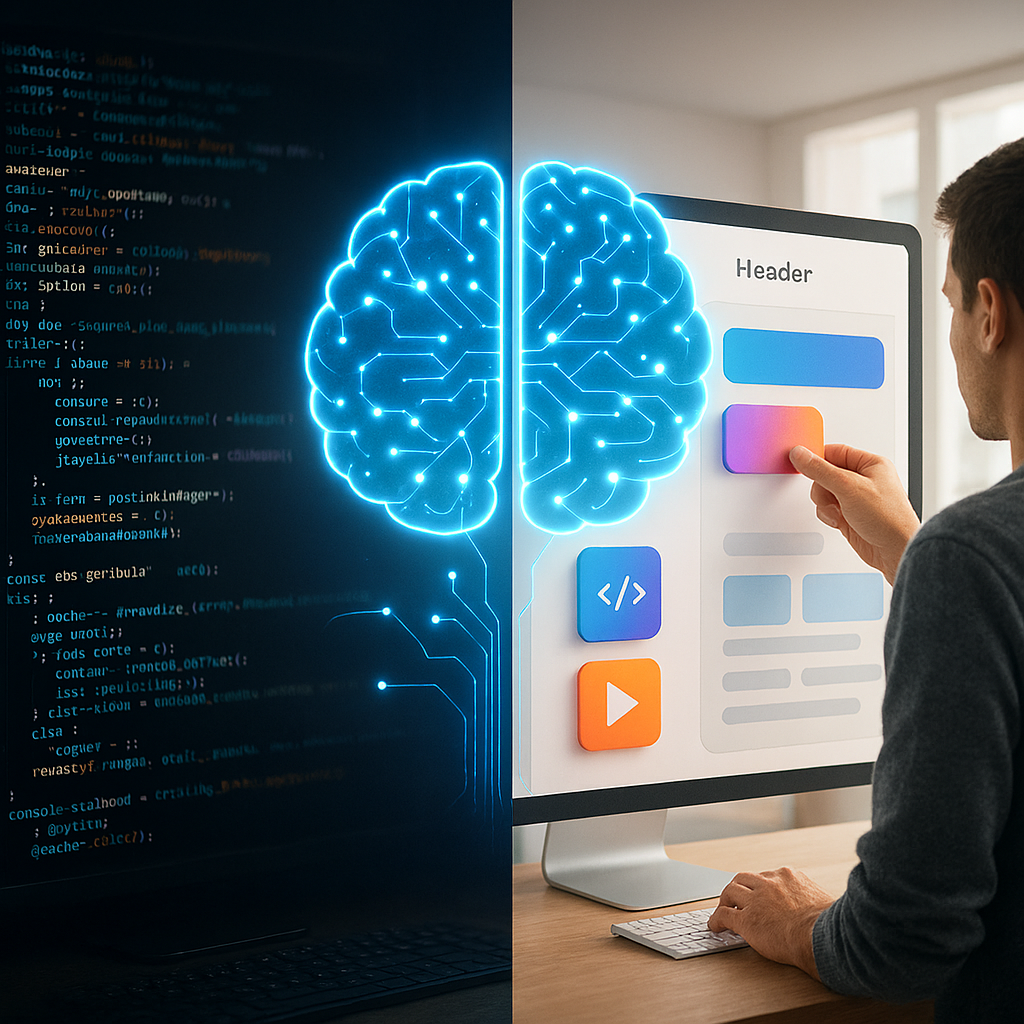
Traditionally, software development required hours of scouring documentation and Stack Overflow threads. With the advent of Large Language Models (LLMs), the workflow has shifted. ChatGPT acts as a Pair Programmer, capable of generating boilerplate code, explaining complex algorithms, and suggesting structural improvements in seconds.
Why Use ChatGPT for Coding?
Speed: Drastically reduces the time spent on repetitive tasks.
Language Versatility: Supports Python, JavaScript, C++, Rust, Go, and dozens of other languages.
Concept Simplification: Breaks down high-level architectural patterns into digestible snippets.
2. Master the Art of Prompt Engineering for Developers
The quality of the code ChatGPT produces is directly proportional to the quality of your prompt. To get the best results, follow the Context-Task-Constraint framework.
A. Provide Clear Context
Instead of saying “Write a login script,” say:
“I am building a web application using Node.js and Express. I need a secure user login function that interacts with a MongoDB database.”
B. Define Constraints
Specify your security and performance requirements:
“Use Bcrypt for password hashing and JSON Web Tokens (JWT) for session management. Ensure the code includes error handling for ‘User Not Found’ and ‘Incorrect Password’.”
3. Practical Use Cases in the Development Lifecycle
I. Generating Boilerplate and Scaffolding
Setting up a new project often involves tedious configuration. ChatGPT can generate:
When your code throws a cryptic error, you can paste the stack trace into ChatGPT. It doesn’t just fix the error; it explains why it happened, helping you avoid the same mistake in the future.
III. Refactoring and Optimization
You can provide existing code and ask:
“How can I optimize this Python function for better memory efficiency?” or “Refactor this JavaScript code to follow DRY (Don’t Repeat Yourself) principles.”
4. Cybersecurity Implications: The Engineer’s Perspective
As a founder of a cybersecurity-focused platform like Bilanly, it is crucial to address the risks associated with AI-generated code.
The Risks of AI Code
Insecure Patterns: ChatGPT may occasionally suggest deprecated libraries or insecure functions (e.g., using MD5 for passwords instead of Argon2).
Hardcoded Secrets: Sometimes AI might include placeholders that look like real API keys, or users might accidentally leak their own keys into the prompt.
Hallucinations: The AI might “invent” a library or a function that doesn’t actually exist.
Best Practices for Secure AI Coding
Never trust, always verify: Treat AI code as “untrusted input.” Perform a manual code review on every line.
Sanitize Inputs: Ensure the AI-generated code includes proper validation to prevent SQL Injection and Cross-Site Scripting (XSS).
Use Static Analysis: Run tools like Snyk or SonarQube on AI-generated snippets before merging them into production.
5. Integrating ChatGPT into Modern Workflows
To maximize productivity, developers are moving beyond the web interface and integrating AI directly into their environments:
VS Code Copilots: Using extensions that utilize GPT-4 models.
API Automation: Building custom scripts that use the OpenAI API to document codebases automatically.
6. Conclusion: The Future of the “Human-AI” Developer
ChatGPT is not a replacement for human logic, especially in complex fields like Cybersecurity Engineering. It is an accelerator. The most successful developers in 2026 will be those who can blend their architectural intuition with the generative speed of AI.
By utilizing ChatGPT on platforms like Bilanly.com, you can bridge the gap between complex AI implementation and practical, secure software solutions.